
prompts.chat: 10,000 Free Prompts In Claude Code
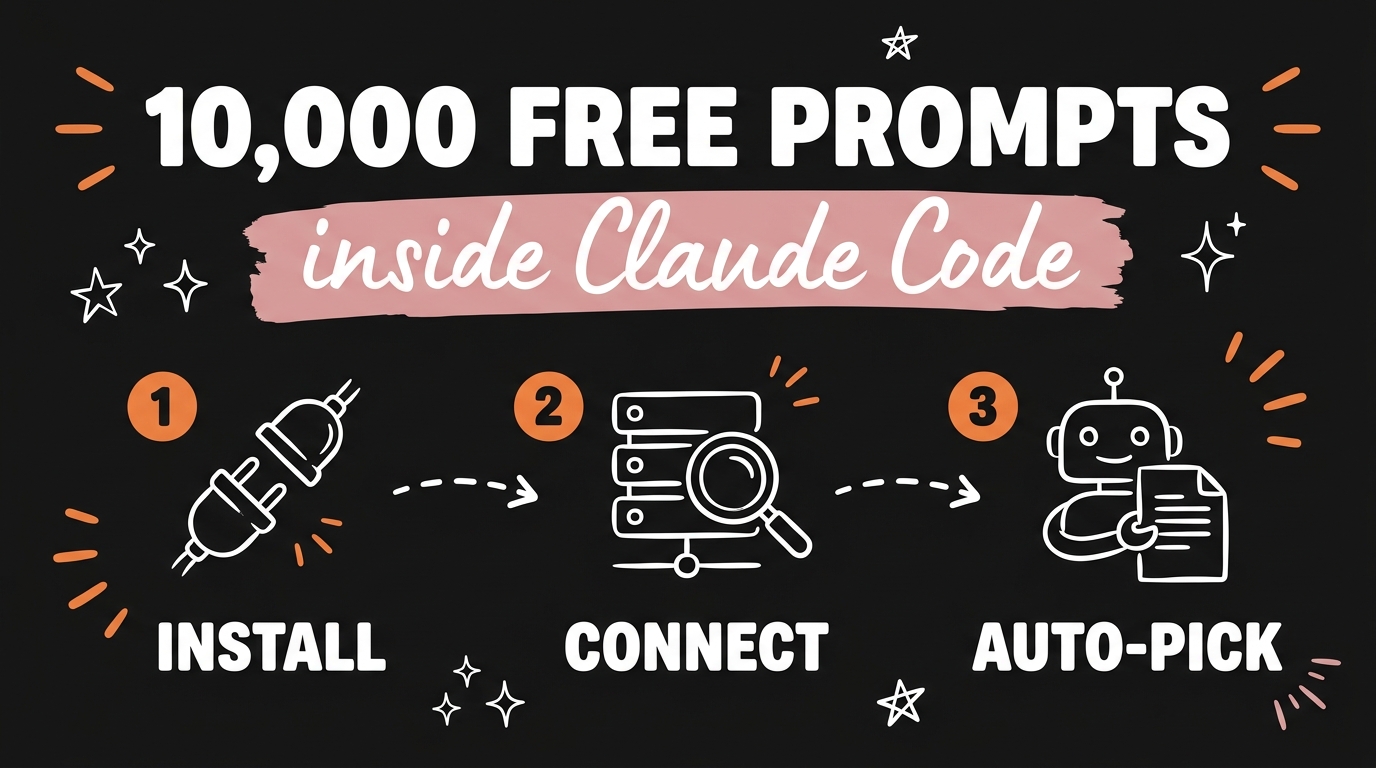
prompts.chat is a free, open-source prompt library with more than 10,000 prompts covering writing, coding, images, video and research, and you can connect the whole thing to Claude Code as an MCP server. Once it is connected, your agent searches the library itself and pulls the right prompt for the task it is already working on, so the copy-paste step disappears. The remote server lives at https://prompts.chat/api/mcp and setup takes about two minutes as of September 2026.
The project was formerly known as Awesome ChatGPT Prompts. It has been running since December 2022, sits above 140,000 GitHub stars, and the prompt data is released under CC0 1.0, which is public domain. Nothing to pay, nothing to sign up for if all you want is to read.
Get the Free Guide
The guide has the exact MCP config, the eight tools the server exposes, the four commands I actually run, and a fix table for when the server will not connect.
Get the free prompts.chat MCP Setup Guide →
What Is prompts.chat?
prompts.chat is a community prompt library that any AI assistant can read, and it works with Claude, ChatGPT, Gemini, Llama and Mistral. It started as a GitHub repo of ChatGPT prompts in December 2022 and grew into a searchable site with prompts, agent skills, workflows, categories and tags.
A few things worth knowing before you install anything:
| Detail | What it is |
|---|---|
| Site | https://prompts.chat/ |
| Repository | https://github.com/f/prompts.chat |
| Licence | MIT for the code, CC0 1.0 for the prompt data |
| Formats | Web app, prompts.csv, PROMPTS.md, Hugging Face dataset |
| Self-hosting | Supported, PostgreSQL backed |
| Cost | Free |
The CC0 part matters if you are building anything commercial on top of the prompts. Public domain means you can copy, edit and ship them without attribution.
How Do You Connect prompts.chat To Claude Code?
There are two ways in, and the plugin is the one I would pick. It installs the MCP server, two slash commands, two agents and two auto-activating skills in one go.
Run these two lines inside Claude Code:
1
2
/plugin marketplace add f/prompts.chat
/plugin install prompts.chat@prompts.chat
If you would rather wire the MCP server up by hand, add this to your MCP config instead:
1
2
3
4
5
6
7
{
  "mcpServers": {
    "prompts.chat": {
      "url": "https://prompts.chat/api/mcp"
    }
  }
}
Prefer to run it locally? Swap the url for a command:
1
2
3
4
5
6
7
8
{
  "mcpServers": {
    "prompts.chat": {
      "command": "npx",
      "args": ["-y", "prompts.chat", "mcp"]
    }
  }
}
Restart Claude Code after either change. Searching and reading prompts needs no account. You only need an API key from https://prompts.chat/settings if you want to save prompts or skills back to the library, and that key goes in a PROMPTS_API_KEY environment variable. If MCP servers are new to you, the four MCP servers that make Claude Code actually useful post covers the general setup pattern.
What Can The MCP Server Actually Do?
The server exposes eight tools, split between prompts and agent skills. Four of them are read-only and work straight away:
search_prompts, search by keyword, category, tag or typeget_prompt, pull one prompt and fill in its variablesimprove_prompt, rewrite a rough prompt into a fuller onesearch_skills, search the agent skill libraryget_skill, fetch a skill with every file it containssave_prompt, save a prompt to your account, needs the API keysave_skill, create a multi-file skill, needs the API keyadd_file_to_skill,update_skill_fileandremove_file_from_skill, edit a saved skill’s files
The two slash commands are thin wrappers over the search tools:
1
2
3
/prompts.chat:prompts code review
/prompts.chat:prompts midjourney --type IMAGE
/prompts.chat:skills testing automation --category coding
The interesting part is that you rarely need to type any of that. The plugin ships auto-activating skills, so when you ask Claude for a prompt template or say you want to improve a prompt, it goes and searches on its own.
Is A Library Of 10,000 Prompts Actually Useful?
A big library only helps once something else does the choosing, which is exactly what the MCP connection changes. Ten thousand prompts in a browser tab is a worse problem than no prompts at all, because now you are scrolling. Ten thousand prompts behind a search tool your agent can call mid-task is a lookup.
Where this earns its place for a solopreneur or a small agency:
- You are mid-build and need a code review prompt. Claude searches, picks, runs.
- You are writing image prompts and want a Midjourney-shaped starting point rather than a blank box.
- You have a rough half-sentence and want
improve_promptto expand it before you spend a message on it. - You want an agent skill someone else already wrote instead of building one from scratch.
It stacks well with the prompt tools you already run. I use it alongside Prompt Master, the free Claude skill that structures a messy prompt before it runs, and my own brand clarity prompt for killing generic AI writing. Library gives you the shape, brand profile gives you the voice.
The One Thing People Get Wrong
Installing the plugin and then carrying on copy-pasting is the mistake. The tools sit there unused because the habit does not change on its own. Once, at the start of a task, say out loud what you want: “check prompts.chat for a prompt that fits this before you write one.” After a few runs the agent starts reaching for it without being told.
The second thing: a community prompt is a starting point, not a finished asset. Read it before you run it. Some prompts assume a chat interface rather than a coding agent with file access, and those need trimming.
FAQ
Is prompts.chat free?
Yes. The site, the prompt data and the MCP server are free. The code is MIT licensed and the prompt content is CC0 1.0, which is public domain.
Do I need an API key to use the MCP server?
No, not for searching, reading or improving prompts. You only need an API key, from https://prompts.chat/settings, if you want to save prompts or skills back to your prompts.chat account.
Does prompts.chat work with tools other than Claude Code?
Yes. It is a standard MCP server at https://prompts.chat/api/mcp, so any MCP client can connect, including Cursor, Claude Desktop and VS Code. The prompts themselves work with ChatGPT, Gemini, Llama and Mistral too.
Can I host my own private version?
Yes. Running npx prompts.chat new my-prompt-library scaffolds a self-hosted instance, and the setup wizard handles branding, theme and authentication. It uses PostgreSQL for storage.
What is the difference between the plugin and the raw MCP server?
The MCP server gives you the eight tools. The Claude Code plugin gives you those tools plus two slash commands, a prompt-manager agent, a skill-manager agent and two skills that fire automatically, so you can install it once and forget it.
Worth Fifteen Minutes Of Your Evening
Install the plugin, ask Claude for a prompt on whatever you are working on tomorrow, and see whether it picks something better than what you would have typed. That is the whole test. Grab the free setup guide if you want the config, the tool list and the fix table in one place.
If you want to go further with agentic systems like this one, come Join the Vibe Coding Build →.