
5 Free GitHub Repos That Fix AI Video Slop
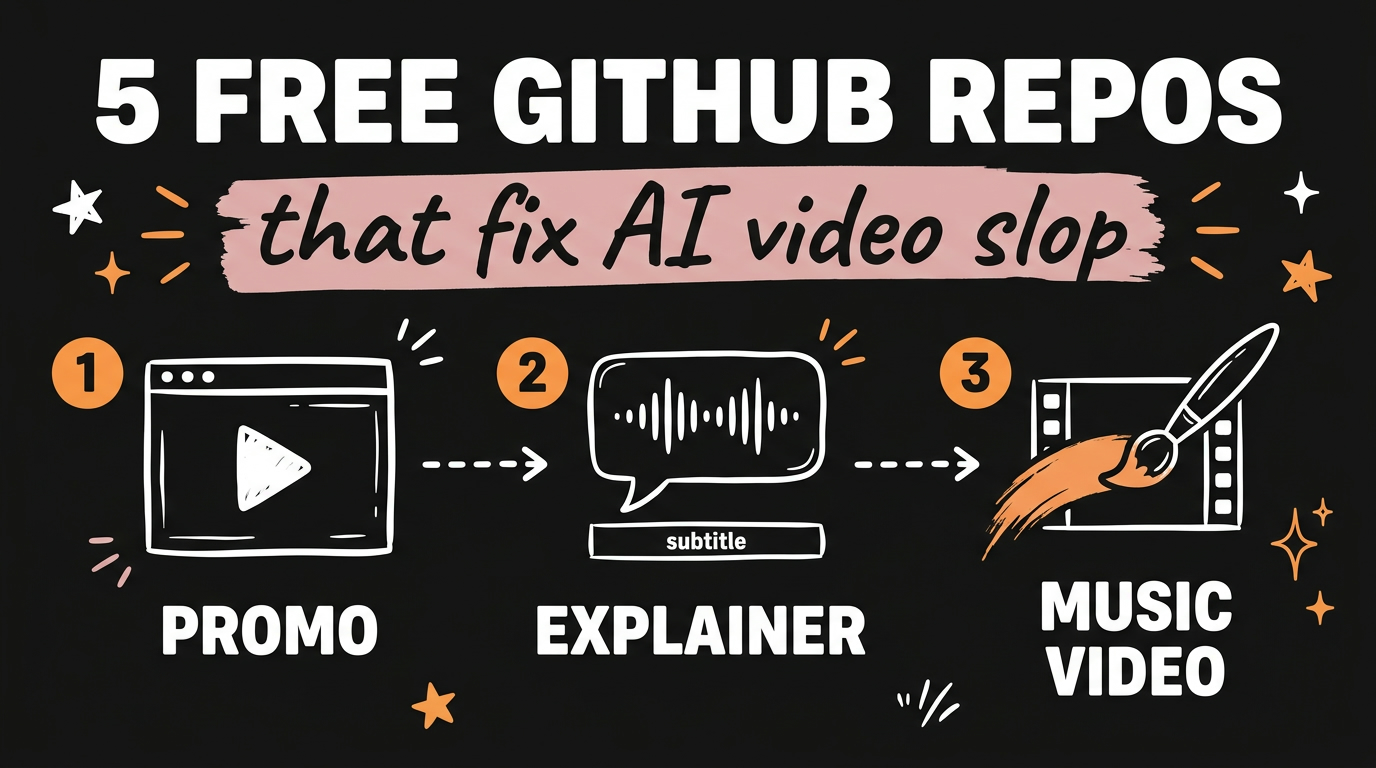
AI video looks like slop because most tools guess pixels, and guessed pixels drift. Five free GitHub repos fix that by handing the job to Claude Code and drawing every frame in code instead: video-shotcraft, anything2explainer, Bang Motion, claude-remotion-skill and paint-mv-skills. All five install as agent skills, all five are free and open source, and what you get back is an editable project rather than a clip you cannot change.
Get the Free Guide
The guide has all five repo links, the install command for each one, and the exact prompts I use to start a video.
Get the free AI Video Repo Vault →
Why Does AI Video Look Like Slop?
Generated video looks like slop because the model invents every frame from scratch, so text warps, logos mutate and your brand colours arrive as a suggestion. Code-drawn video has almost none of that: the text is the text you typed, and the same render runs the same way next month.
All five repos below share that approach. Claude Code writes React, TypeScript, HTML or p5.js, then renders it to MP4 with Remotion or headless Chrome. The claude-remotion-skill README puts the difference in a table, and it matches what I see in practice:
| Generated AI video | Code-drawn video |
|---|---|
| Text and logos distort between frames | Exact text, exact colours, every frame |
| One clip, no source to edit | A project you or the agent can keep changing |
| Re-prompt and get something different | Re-render and get the same film |
| Brand colours are approximate | Palette set in one theme file |
| No frame checks before delivery | ffmpeg frame extraction and inspection |
What Are the Five Free GitHub Repos?
Here are the five, with their star counts and licences as of November 2026. Every one of them is an agent skill, so you install it once and then ask for a video in plain English.
| Repo | What it makes | Stars | Licence |
|---|---|---|---|
| video-shotcraft | Product and promo films from your real pages | 21,805 | Apache-2.0 |
| anything2explainer | Narrated explainers with voiceover and subtitles | 3,443 | PolyForm Noncommercial |
| bang-motion | Openers, promos and explainers as one HTML file | 2,844 | MIT |
| claude-remotion-skill | Motion design rules that fix cheap animation | 1,194 | MIT |
| paint-mv-skills | Hand-painted watercolour music videos from a song | 82 | MIT |
video-shotcraft is the big one. Give the agent your product or your site, and it captures your real pages, picks shots from a library of 124 recipe cards covering 150 shots, storyboards the film, animates it in Remotion, cuts it to the beat and adds sound design from Freesound. You get a 1920x1080 MP4 at 30fps plus the full Remotion source, so every shot stays a React component you can rewrite, and a CapCut-style browser editor called Motion Workbench opens after delivery.
anything2explainer takes a topic instead of a product. It researches the subject with sources, writes the narration, generates the voiceover with per-word timing, then runs parallel build agents that each write one Remotion component. Output is a 1280x720 MP4 with aligned subtitles, chapter cards and a progress bar. A 3 to 5 minute film runs about two hours and stops at four checkpoints, the useful one being narration sign-off before the voice is generated.
Bang Motion is the one I reach for when a video has to be quick. Every deliverable is a single index.html that plays in a browser with autoplay and loop, and ?debug=1 gives you a scrub bar. It ships ten style directions and nineteen structural concepts, and it opens with a style brief: three concept candidates and a palette where every colour states its source, so you can change the look before a line of code exists.
claude-remotion-skill is less a video builder and more a set of rules. It encodes ten non-negotiables: springs and bezier curves instead of linear interpolation, entrances that animate two or three properties at once, staggered timing, Ken Burns on every still, one theme.ts for all colours and easings, and a render-inspect-fix loop before anything ships. Point it at a Remotion video that feels cheap and it fixes the timing.
paint-mv-skills is the strangest and my favourite. Feed it a song and its lyrics and it paints a watercolour music video frame by frame, with p5.js and p5.brush laying down real ink lines in headless Chrome. Every frame is a pure function of song time. A storyboard skill designs the cast and sets from the lyrics, then parallel chapter agents paint a chapter each. The demo in the repo is an 86 second track with zero manual edits to the picture.
How Do You Install These Repos as Claude Code Skills?
The install is the same shape for all five: clone the repo, put the skill folder where your agent reads skills, then talk to it normally. For Claude Code that folder is ~/.claude/skills/ for every project, or .claude/skills/ inside one project.
- Clone the repo you want, for example
git clone https://github.com/bangtutorial/bang-motion. - Copy or symlink the skill folder into
~/.claude/skills/. The folder name has to match thename:field in that repo’sSKILL.md, or the skill never triggers. - Install what it renders with. Node.js 18 or newer and ffmpeg cover all five. anything2explainer also wants a Python virtualenv with
edge-tts==7.2.8, and paint-mv-skills wants Google Chrome pluspatch. - Start a new chat and describe the video. None of these need a slash command, because the skill triggers on the request itself.
- Check that it loaded. Ask claude-remotion-skill for a three second logo sting: if it renders without extracting frames first, the skill is not being read.
Two of them have a shortcut. video-shotcraft installs with npx skills add Vincentwei1021/video-shotcraft, and Bang Motion ships as a Claude Code plugin through /plugin marketplace add bangtutorial/bang-motion. Install one copy only, because a plugin and a manual folder with the same skill name will conflict and the plugin wins.
If you want the longer version of this with the per-repo commands and the prompts I actually type, grab the free guide.
Which One Should You Start With?
Start with the repo that matches the video you need this week, not the one with the most stars.
- Selling a product or launching a site: video-shotcraft.
- Teaching a concept with a voiceover: anything2explainer.
- Something short and social by tonight: Bang Motion.
- You already build in Remotion and it looks flat: claude-remotion-skill.
- You have a song: paint-mv-skills.
The pattern underneath all of them is the same: a good agent skill is a method written down. That is the idea behind the five Claude skills I use for AI video styles and the animated explainer setup I run for free in Claude Code too.
FAQ
Are these five GitHub repos really free?
Yes, all five are free and open source. video-shotcraft is Apache-2.0, Bang Motion, claude-remotion-skill and paint-mv-skills are MIT, and anything2explainer is PolyForm Noncommercial, which means it is free for personal use but restricted commercially. Remotion itself is free for individuals and small teams, and larger companies may need a paid licence.
Do I need Claude Code, or will another agent work?
Claude Code and Codex are the two both video-shotcraft and anything2explainer are tuned for. Bang Motion also documents Gemini CLI and Cursor, and claude-remotion-skill works in Claude Desktop as an uploaded skill. The install location changes, the prompt does not.
What do I need installed before any of this runs?
Node.js 18 or newer and ffmpeg for all five. Remotion downloads its own headless Chrome on first render. anything2explainer needs Python 3 with edge-tts for voiceover, and paint-mv-skills needs Google Chrome installed because it renders through it.
How long does one of these videos take to render?
A short promo or opener lands in minutes. A 3 to 5 minute narrated explainer from anything2explainer takes roughly two hours of wall clock and about 2GB of disk, because most of that time is parallel agents building one shot each.
Can I edit the video after the agent delivers it?
That is the main reason to use these instead of a generated clip. video-shotcraft hands over the whole Remotion project and a timeline editor, Bang Motion gives you one HTML file you can open and change, and paint-mv-skills leaves you the storyboard and the chapter source.
Start With One, Not Five
Pick one repo, install it tonight, and make one bad video with it. That first render teaches you more about where AI video breaks than reading five READMEs will, and the fix is usually a line in a theme file rather than a new prompt.
If you want the whole system around this, the content engine and the skills and the publishing, that is what we build inside Vibe Coding Mastery.