
The One File That Fixes Claude's Worst Coding Habits
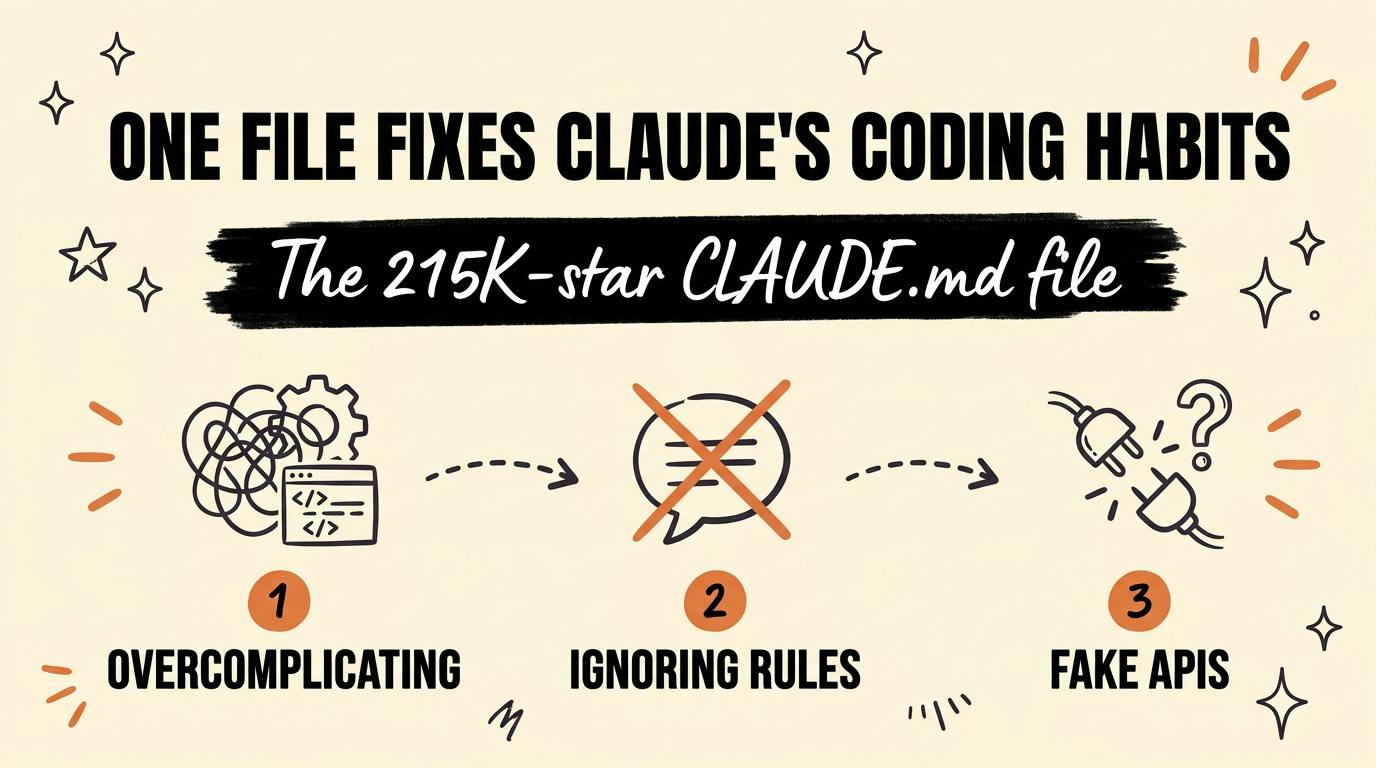
A single CLAUDE.md file with more than 215,000 stars on GitHub stops Claude Code from overcomplicating simple tasks, ignoring your instructions, calling half-finished work done, and inventing APIs that don’t exist. You drop the file into your project, no upgrade or paid plan required, and Claude follows the guardrails from the next prompt on.
Get the Free Guide
I turned the full file plus the exact setup steps into a guide you can copy in minutes.
Get the free Claude Behavior Guide →
Why Does Claude Code Overcomplicate Simple Tasks?
Claude Code, like most coding agents, tends to pick an interpretation of your request and run with it instead of asking what you meant. Andrej Karpathy called this out directly: models “make wrong assumptions on your behalf and just run along with them without checking,” and they “really like to overcomplicate code and APIs, bloat abstractions” even when a much smaller change would do the job.
That observation turned into a GitHub repository called andrej-karpathy-skills, built around a single file named CLAUDE.md. It has passed 215,000 stars because the fix is so small: one markdown file with four principles, no plugin install required unless you want one.
What’s Actually Inside the File?
The file is short on purpose. It contains four numbered principles, each written as a rule plus a test you can apply while reviewing Claude’s output.
- Think Before Coding: Claude states its assumptions out loud instead of guessing. If more than one interpretation of your request exists, it presents them instead of silently picking one.
- Simplicity First: no features beyond what you asked for, no speculative “flexibility,” no error handling for scenarios that can’t happen. The built-in test: “Would a senior engineer say this is overcomplicated?”
- Surgical Changes: Claude only touches the lines your request actually requires. It stops “improving” nearby code, renaming variables you didn’t ask about, or quietly deleting dead code it doesn’t understand.
- Goal-Driven Execution: instead of “fix the bug,” the principle turns the task into “write a test that reproduces it, then make it pass.” Verifiable goals let Claude loop on its own instead of guessing when it’s actually done.
How Do You Add It to a Claude Code Project?
Drop the file at the root of your project and Claude Code picks it up automatically on the next session, because CLAUDE.md is the same file Claude Code already reads for project context.
| Step | What to do |
|---|---|
| 1 | Download the file: curl -o CLAUDE.md https://raw.githubusercontent.com/multica-ai/andrej-karpathy-skills/main/CLAUDE.md |
| 2 | Already have a CLAUDE.md? Append instead: echo "" >> CLAUDE.md && curl https://raw.githubusercontent.com/multica-ai/andrej-karpathy-skills/main/CLAUDE.md >> CLAUDE.md |
| 3 | Open a new Claude Code session in that folder so it reloads the file |
| 4 | Ask Claude to summarize its own guidelines back to you, as a sanity check that it read the file |
If you’re still setting up your project folder for the first time, How to Set Up Your Claude Code Project Folder covers where CLAUDE.md fits alongside your other project files.
Does This Replace Good Prompting?
No. The file changes Claude’s default behavior, but it doesn’t replace clear instructions. Karpathy’s own framing backs this up: “Don’t tell it what to do, give it success criteria and watch it go.” The Goal-Driven Execution principle only works if you’re already describing what “done” looks like.
If you want the fuller picture of how CLAUDE.md fits with your other project files, Claude Code Setup: The 4-File System That Changes Everything walks through the other three files that round out a project. And if you’re newer to Claude Code altogether, Claude 101: The Beginner’s Guide is the place to start before layering on behavior files.
FAQ
Is the CLAUDE.md file a paid product?
No. It’s a free, open-source markdown file hosted on GitHub under the MIT license. There’s no plugin purchase or subscription required to use it.
Does it work with tools other than Claude Code?
The repository also ships a Cursor project rule file so the same four principles apply inside Cursor, and the guidelines themselves are general enough to paste into instructions for other coding agents too.
Will this slow Claude down on simple tasks?
The guidelines are written to bias toward caution over speed on non-trivial work. For a one-line typo fix or an obvious change, Claude is expected to use judgment rather than apply the full ritual of stating assumptions and verification steps.
What if I already have a CLAUDE.md file for my project?
Append the guidelines to the end of your existing file instead of overwriting it. The repository’s own install instructions include the append command for this exact case.
Where do these four principles come from?
They’re derived from a public post by Andrej Karpathy describing common failure patterns in LLM coding agents: wrong assumptions, overcomplicated code, and unrelated changes to code the model doesn’t fully understand.
Build Smarter Claude Code Habits
One markdown file won’t fix a messy prompt, but it closes the gap between what you meant and what Claude assumed. Pair it with clear success criteria and you’ll see fewer rewrites and fewer surprises in your diffs. If you want to go further with your own Claude Code setup, Join the Vibe Coding Build → and build out the rest of your system with others doing the same thing.