
Claude Code Setup: The 4-File System That Changes Everything
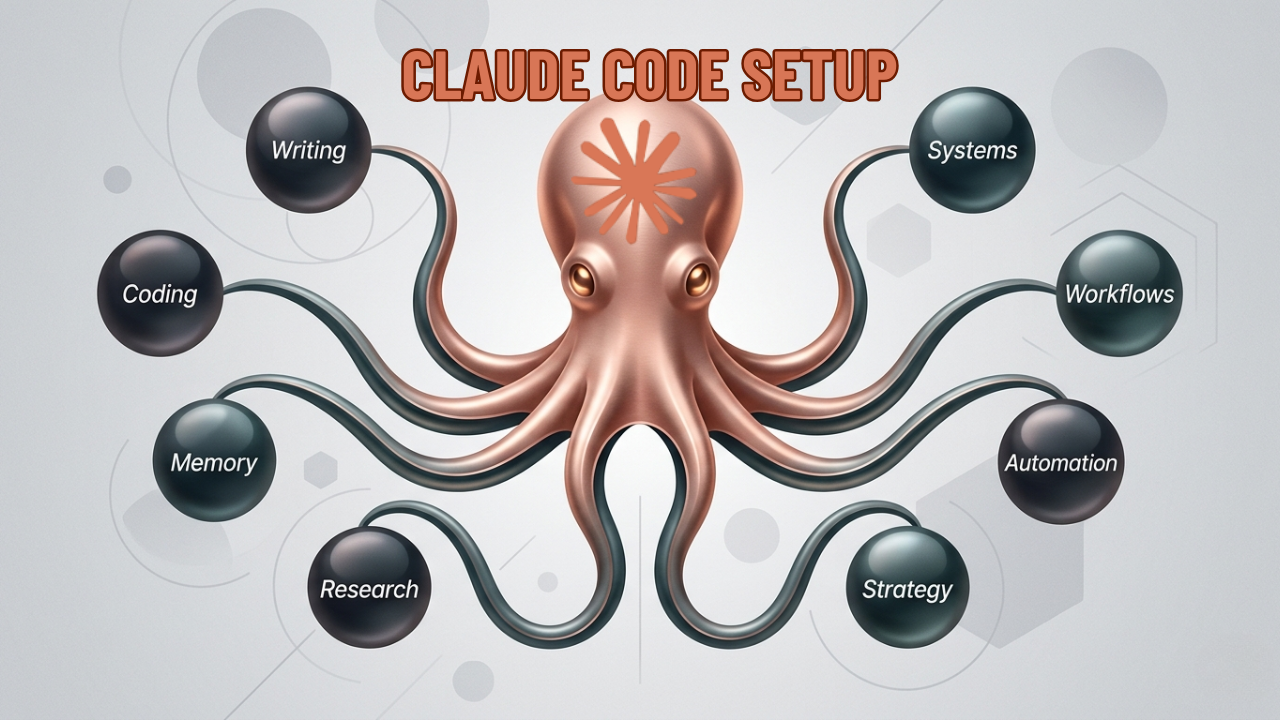
Most people using Claude Code are running it completely naked — no context, no memory, no instructions. Just typing requests and hoping for the best. That’s why it feels inconsistent. You’re not using a broken tool. You’re missing the 4-file system that makes it actually work.
Here’s the setup that turns Claude Code from a smart autocomplete into a full AI co-worker.
Get the Free Cheat Sheet
A one-page PDF covering the full 4-file structure with examples for each file — designed to reference while you build it out.
Get the free Claude Code 4-File System Cheat Sheet →
Why Claude Code Feels Inconsistent (Without This)
Claude Code is powerful by default. But without structured context, every session starts from zero. It doesn’t know your preferences. It doesn’t know your project rules. It doesn’t know what workflows you’ve already built.
The result: you spend 20% of your time re-explaining context that it should already have.
The 4-file system below fixes this permanently.
File 1: agents.md — Your Employee Onboarding Doc
Think of agents.md as the onboarding document you’d hand a new hire on their first day. It tells Claude Code exactly who it’s working for, what this project is about, how to communicate, and what rules to follow.
Put it at the root of your project or in your .claude/ folder.
What to include:
- Your communication style (direct, brief, no fluff)
- Project-specific rules (always use TypeScript, never modify prod data, etc.)
- Tools and stacks in use
- What “done” looks like in your workflow
Once this file exists, Claude Code reads it at the start of every session. You stop repeating yourself. It stops making assumptions.
File 2: context/ — Your Knowledge Base Folder
The context/ folder is where you dump everything Claude needs to know about your domain — but that doesn’t belong in code.
Examples of what goes here:
- Brand voice doc
- Audience profile
- Product or service explainer
- Competitor research notes
- Reference documents it’ll need repeatedly
Claude Code will pull from this folder automatically when it’s relevant. Instead of pasting a brand doc into every conversation, you reference it once and it’s there forever.
File 3: memory.md — Your Preference Logger
This is the file Claude Code writes to as it learns about you. Every time it notices a preference — a formatting style you consistently use, a pattern you always want applied, a decision you’ve made — it logs it here.
The effect: the longer you work together, the more accurate it gets. It builds a real working model of how you think.
You can also write to memory.md manually. Tell it:
- “Always format code blocks with comments”
- “Use active voice in all copy”
- “I prefer short functions over long ones”
The next time you open Claude Code, it reads this file and picks up exactly where it left off.
File 4: skills/ — Your Workflow Packager
Skills are reusable agent instructions you write once and deploy forever. They live in a skills/ folder and are invoked with a /skill-name command.
Examples of skills you can build:
/commit— writes clean git commit messages every time/review-pr— runs your custom PR review checklist/generate-caption— writes social captions in your exact voice/create-freebie— generates your lead-magnet PDF structure
Once a skill is built, you never think about that workflow again. You just call it. This is how you go from “using Claude Code” to “running automated systems with Claude Code.”
The System, Not the Files
The 4 files work together as a system:
agents.mdhandles role and rulescontext/handles knowledgememory.mdhandles preferencesskills/handles repeatable workflows
Set this up once across your projects and Claude Code will start feeling like a real co-worker — not a stateless chatbot you have to re-explain yourself to every session.
If you want to go further — building full agent workflows, skill libraries, and AI automation pipelines — that’s exactly what we cover inside Vibe Coding Mastery.