
ChatGPT Commands That Turn Any Book Into a Mind Map
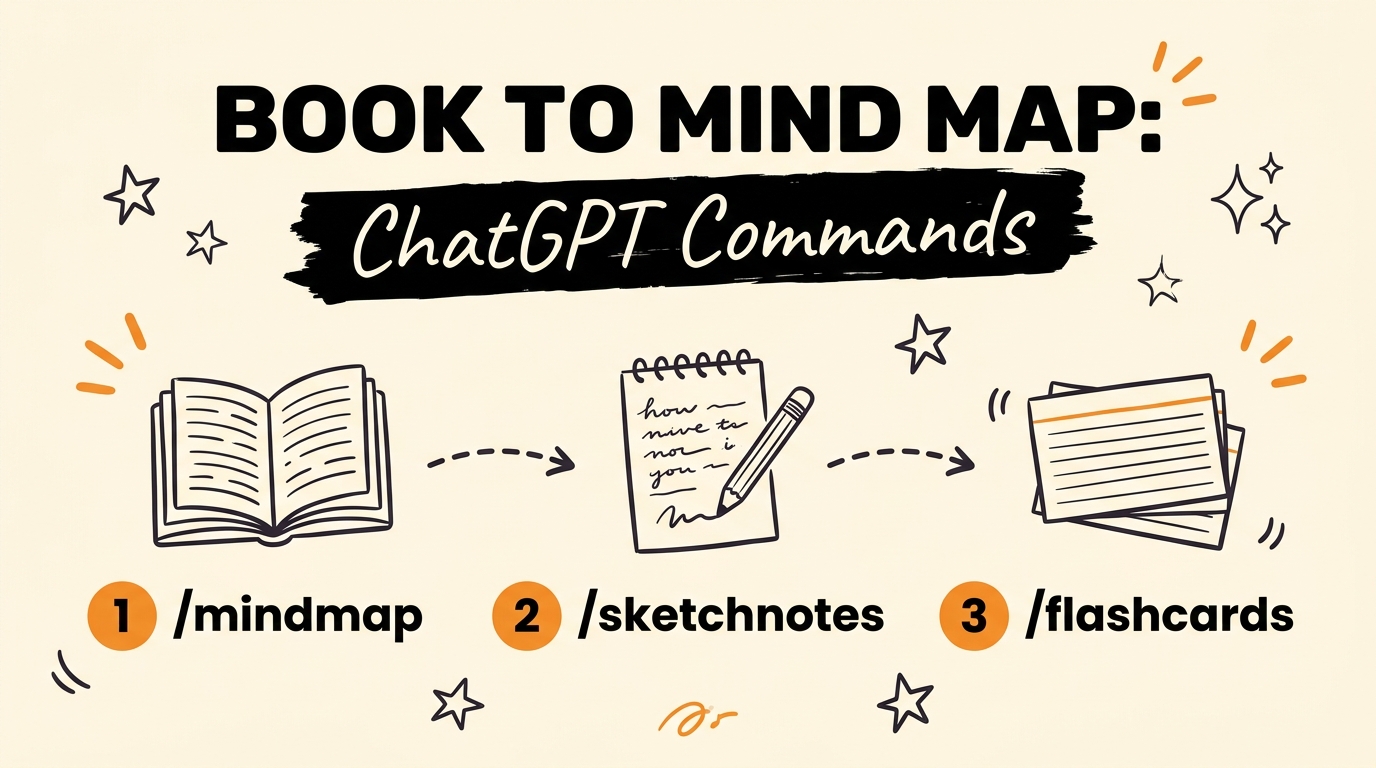
To turn a book into a mind map with ChatGPT, drop the book into the chat and type /mindmap. ChatGPT maps out the most important topics in the book, so you see the whole structure before you read a single chapter. Three more commands, /sketchnotes, /flashcards and /educationalcomics, turn the same book into handwritten notes, memory cards or a comic page.
Get the Free Guide
The guide covers all four commands with copy-paste prompts, plus 100 ChatGPT codes to study any book, from the Cindy Zhu guide it credits.
Get the free ChatGPT Book Commands Playbook →
What Does the /mindmap Command Do in ChatGPT?
The /mindmap command makes ChatGPT build a mind map of the most important topics in whatever book you dropped into the chat. It works from the book itself, so the map follows the author’s real structure and not a generic summary.
A mind map shows you how the big ideas connect, which makes every later read faster because you already know where each chapter fits.
What Are the Four Commands and What Does Each One Make?
Each command takes the same book and returns a different format, so you pick the one that matches how you learn. Here is the full list from the video:
| Command | What ChatGPT builds | Best for |
|---|---|---|
| /mindmap | A mind map of the most important topics in the book | Seeing the big picture first |
| /sketchnotes | Handwritten-style summary notes | Quick review and skimming |
| /flashcards | Simple cards with the key points | Memorizing ideas fast |
| /educationalcomics | The main idea as a visual comic page | Visual learners |
You are not limited to one. Running /mindmap first and /flashcards second gives you the structure and the memory cards from a single book.
Why Do These Commands Save Time for Agency Owners and Solopreneurs?
They let you absorb a business book, a marketing framework or an industry report in minutes instead of hours. There is no highlighting and no separate note-taking session. You get the core ideas in a format your brain actually retains.
That matters if you run a business and your reading time is the first thing to disappear. If you already repurpose your own content, the same logic applies to reading: one source, several useful formats. I wrote about that idea for video in repurposing one video into three assets.
How Do You Use the Commands Step by Step?
You only need a book, a ChatGPT chat and one slash command. Here is the order I would run them in:
- Drop the book you want to read into ChatGPT.
- Type /mindmap to see the main topics and how they connect.
- Type /sketchnotes if you want a handwritten-style summary to review later.
- Type /flashcards for the key points you need to remember.
- Type /educationalcomics when you want the main idea as a visual page.
If you want to take the same approach to research, see how I pull apart viral videos with AI and spot patterns across several of them.
FAQ
How do I turn a book into a mind map with ChatGPT?
Drop the book into ChatGPT and type /mindmap. ChatGPT creates a mind map of the most important topics in that book.
What does the /sketchnotes command do?
The /sketchnotes command gives you handwritten-style summary notes of the book you dropped into the chat.
What is the /flashcards command for?
The /flashcards command builds simple cards covering the key points of the book, so you can memorize the ideas fast.
What does /educationalcomics do?
The /educationalcomics command turns the main idea of the book into a visual comic page. It suits people who process information better visually.
Read Smarter, Not Longer
Four commands, one book, and a format that fits how you learn. Start with /mindmap, add /flashcards for anything you need to remember, and keep /educationalcomics for the ideas you want to see.
Want the 100 codes and the copy-paste prompts? Grab the free guide. And if you want to build more systems like this, Join the Vibe Coding Build →