
AI Agents Explained: LLM Brain vs. Harness System
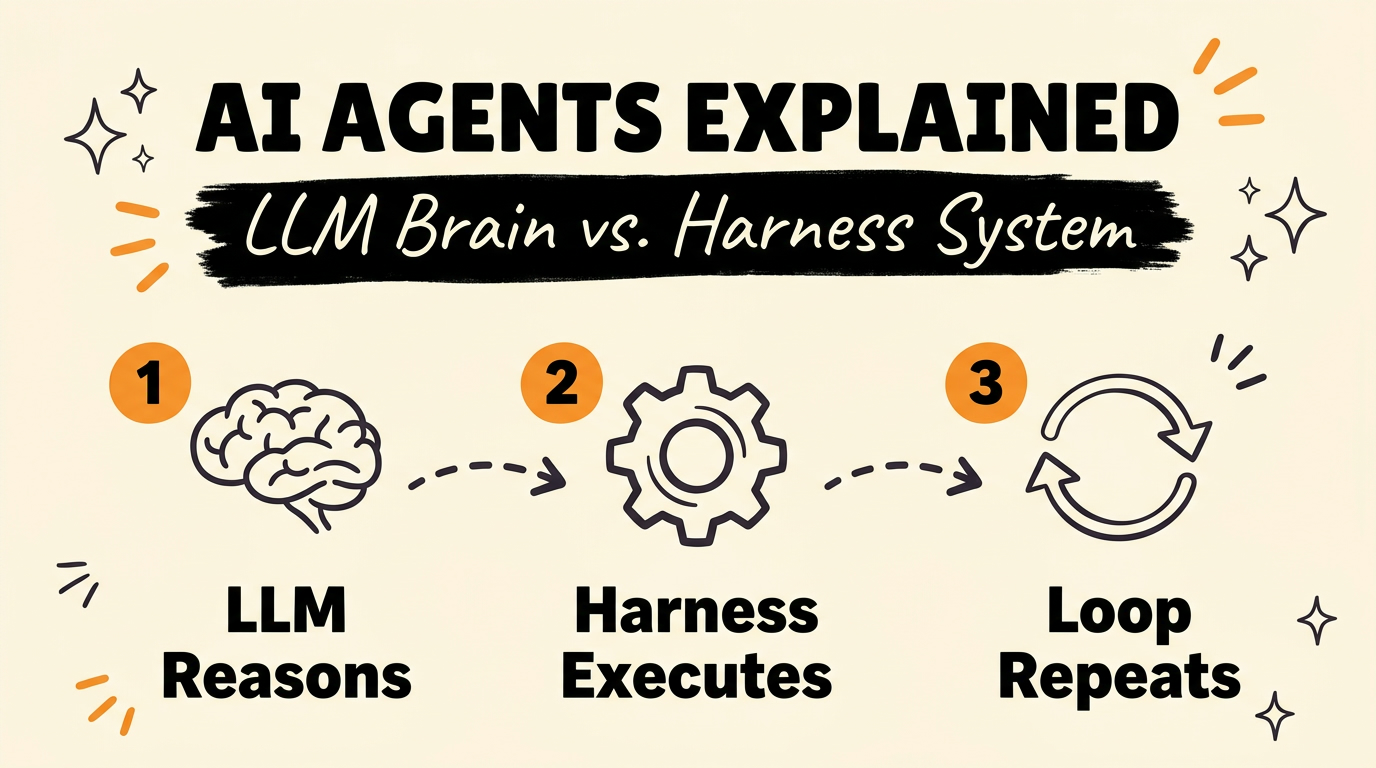
An AI agent is two separate systems working together, not one black box. The Large Language Model (LLM) is the brain that reasons through steps and decides what to do next. The harness is the surrounding system that actually does it: it manages memory, connects to tools, and executes the model’s decisions. If you only understand the LLM, you only understand half of what’s running your automation.
Get the Free Guide
Get the full breakdown of how the LLM-harness loop works, what a harness actually manages, and how to read your own agent setup like an engineer.
Get the free AI Agents Breakdown →
What Are the Two Parts of an AI Agent?
Every AI agent splits into the LLM and the harness. The LLM, such as a Claude model, is the reasoning engine: it reads the current context and decides what the next step should be. The harness is the code wrapped around the LLM that manages everything the model itself cannot do on its own, including memory, chat history, file access, and contacts. Without a harness, an LLM is a reasoning engine with nowhere to act. Without an LLM, a harness is just a set of tools with nothing deciding when to use them.
How Does the Harness Connect the Model to Tools?
The harness is what gives an LLM reach beyond its own context window. It connects the model to external tools like Gmail or an image and video generator, and it can delegate tasks to other agent instances running in parallel. In Claude Code, this shows up as MCP servers, Bash access, file read/write tools, and the Agent tool for spawning subagents. The model never touches Gmail or a file system directly. It asks the harness to do it, and the harness is the thing with the actual permissions and connections.
What Happens When the Model Decides to Use a Tool?
When the model decides to use a tool, it outputs a structured call rather than a plain-text answer. The harness reads that structured call, executes the real action (sending the email, running the script, generating the image), and drops the result back into the prompt. The model then reads that result and decides its next move. That loop, decide, execute, observe, decide again, repeats until the task is done. This is the entire mechanism behind what looks like an agent “doing things.”
| Step | Who does it | What happens |
|---|---|---|
| 1. Decide | LLM | Reasons over the current context and outputs a structured tool call |
| 2. Execute | Harness | Runs the real action: API call, file write, script, subagent spawn |
| 3. Observe | Harness | Drops the tool’s result back into the model’s context |
| 4. Repeat | LLM | Reads the result and decides the next step |
Why Does Understanding the Harness Matter for Your Business?
If you’re running AI agents in a business, the harness is usually where things actually break or succeed, not the model. A model can reason correctly and still fail the task if the harness can’t reach the right tool, loses memory between steps, or can’t delegate to another agent when a task needs to run in parallel. When you’re debugging an agent that seems “dumb,” check whether the LLM reasoned wrong or whether the harness fed it the wrong context, tool, or permission in the first place.
How Do You Apply This to Your Own Automation Setup?
Start by mapping your own agent setup against the two-part model. List what your LLM is (which model, which version) separately from what your harness provides: which tools it connects to, how it stores memory between sessions, and whether it can delegate subtasks. Claude Code’s skills, MCP servers, and subagents are all harness-level components layered on top of the Claude model itself. If you want a deeper walkthrough of how to build this kind of system from scratch, the Claude skill packs for every department post covers how to assemble harness-level tooling by use case, and Orca, a free AI agent manager for Claude and Codex shows a harness built specifically to coordinate multiple agent instances.
FAQ
What’s the difference between an LLM and an AI agent?
An LLM is just the reasoning model. An AI agent is the LLM plus a harness that gives it memory, tools, and the ability to execute actions in the real world, not just generate text.
What does a harness actually manage?
A harness manages memory and chat history, file and contact access, connections to external tools like Gmail or an image generator, and the ability to delegate tasks to other agent instances running in parallel.
Can an LLM use tools without a harness?
No. The LLM can only output a structured request to use a tool. The harness is the part that actually executes that request and returns the result back into the model’s context.
Is Claude Code a harness?
Claude Code functions as a harness around the Claude model: it adds file access, Bash execution, MCP connections, skills, and subagent delegation on top of the model’s raw reasoning.
Why do AI agents fail even when the model is good?
Most agent failures trace back to the harness layer, not the model: a missing tool connection, lost memory between steps, or a permission the harness never had, rather than the LLM reasoning incorrectly.
The Loop Is the System
Once you see the decide, execute, observe loop, every AI agent you use starts to make more sense, including the ones that frustrate you. If you want to go further and actually build agent systems instead of just using them, Vibe Coding Mastery walks through building that harness layer step by step.