
3 Claude Finance Agents That Research Stocks
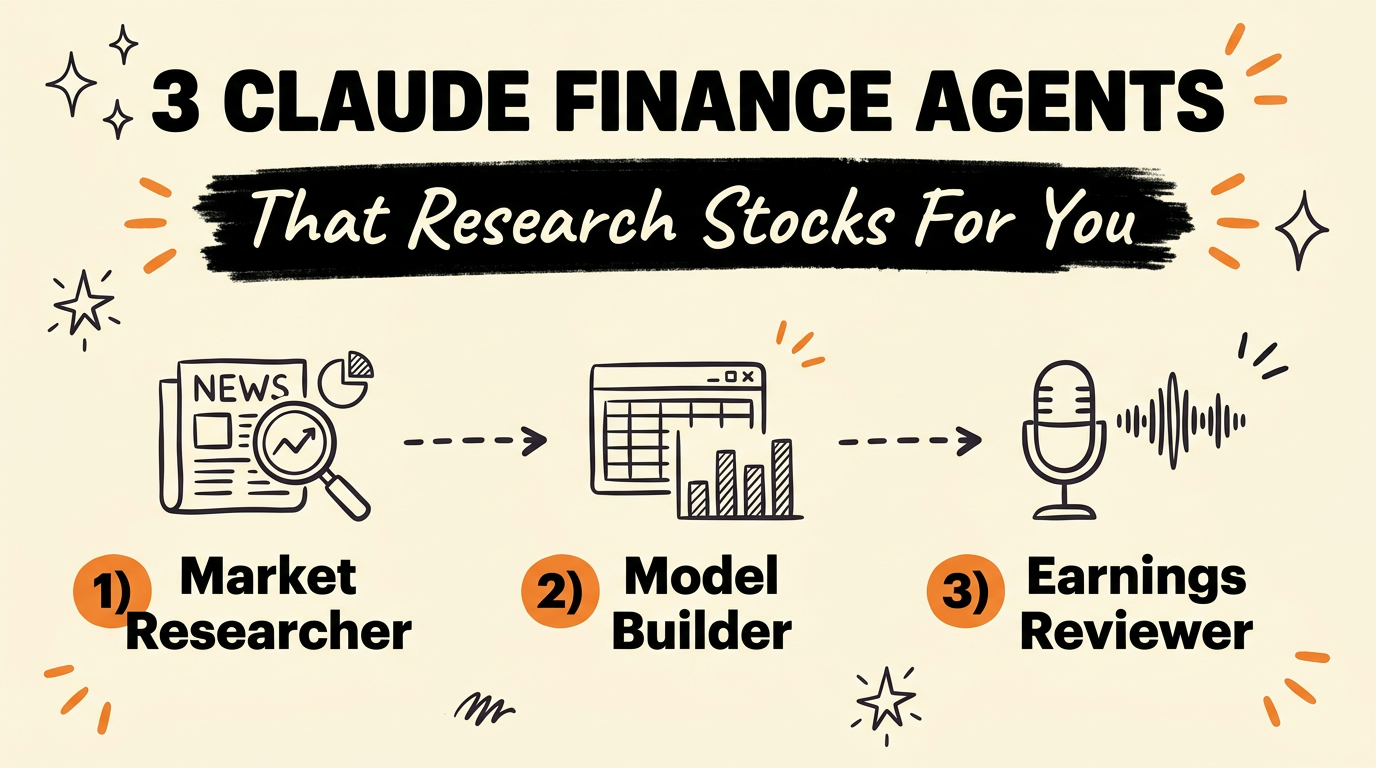
Claude’s financial-services plugin runs three named agents that split up stock research: a market researcher that pulls news and analyst ratings on any company, a model builder that builds a full valuation model and flags the risks, and an earnings reviewer that breaks down what management actually said on a call. Instead of spending an afternoon digging through filings and spreadsheets, you hand each job to the matching agent and review its draft.
Get the Free Guide
Get the full breakdown of all three Claude finance agents, what each one outputs, and the exact commands to run them.
Get the free Claude Finance Agents Guide →
What Does the Market Researcher Agent Do?
The Market Researcher agent takes a sector or a single stock ticker and returns an industry overview, a competitive landscape, peer comps, and a shortlist of ideas worth digging into further. It pulls the latest news, analyst ratings, and company announcements automatically, so the research step that used to mean opening a dozen browser tabs becomes one prompt.
This agent is part of Anthropic’s financial-services repository, a reference implementation of Claude agents and skills built for financial services workflows. The repo is explicit that these agents draft analyst work product for human review. They don’t make investment recommendations, execute trades, or approve onboarding on their own.
How Does the Model Builder Create a Valuation Model?
The Model Builder agent takes a company and produces a full financial model, live in Excel, estimating what the business is worth and breaking down the risks behind that number. Under the hood it draws on the same skill set that powers the repo’s standalone /dcf, /lbo, and /3-statement-model commands, which handle DCF valuation with WACC sensitivity, leveraged buyout modeling, and three-statement models respectively.
The practical difference from building these by hand is that you’re reviewing a finished model instead of building the formulas yourself. You still need to sanity-check the assumptions, but the structure, the linked statements, and the sensitivity tables are already there.
What Does the Earnings Reviewer Catch on a Call?
The Earnings Reviewer agent takes an earnings call transcript and the related filing, then breaks down what management actually said, so you can check whether your original investment thesis still holds. It’s built on the same skill behind the repo’s /earnings command, which generates post-earnings quarterly update reports from the call and the 10-Q.
This matters because earnings calls run 45 minutes to an hour and management rarely states the number you’re actually trying to pin down in plain terms. Feeding the transcript to this agent turns that into a short note you can read in a couple of minutes.
How the Three Agents Compare
| Agent | What you give it | What it hands back |
|---|---|---|
| Market Researcher | A sector or ticker | Industry overview, competitive landscape, peer comps, idea shortlist |
| Model Builder | A company | Full valuation model in Excel, business worth estimate, risk breakdown |
| Earnings Reviewer | An earnings call transcript + filing | What management actually said, updated model, note draft |
How Do You Install These Agents in Claude Code?
The financial-services plugin is open source and installs through Claude Code’s plugin system. As of October 2026, the steps are:
- Add the marketplace:
claude plugin marketplace add anthropics/financial-services - Install the core skills first:
claude plugin install financial-analysis@claude-for-financial-services - Install the agent you want:
claude plugin install market-researcher@claude-for-financial-services
The same agents and skills are also available as Claude Cowork plugins with no install step, or through the Claude Managed Agents API if you want them running as a deployed service rather than inside your own terminal. For the full setup walkthrough, including the exact file paths and what a successful first run looks like, grab the free guide.
If you’re already running other agent skills in Claude Code, this plugin slots in the same way. See how skill installs work in our breakdown of free Claude skill packs for every department.
FAQ
Do these Claude finance agents give investment advice?
No. The financial-services repository states directly that these agents draft analyst work product for human review. They do not make investment recommendations, execute transactions, or approve onboarding.
Is the financial-services plugin free to use?
The repository itself is open source under the Apache License 2.0. Running it still requires a Claude plan or an Anthropic API key, and any optional data connectors like FactSet or Morningstar may need their own subscription.
Can I use the Model Builder agent without Excel?
The Model Builder agent is built to output live Excel models with linked formulas, which is what makes the sensitivity tables and audit trail work. There’s no spreadsheet-free output option documented in the current version.
What’s the difference between the Earnings Reviewer and the /earnings command?
The Earnings Reviewer is the named agent wrapper; /earnings is the underlying skill command inside the equity-research vertical plugin. Installing the agent gets you the same skill with a dedicated entry point.
Do I need my own data feed to use these agents?
Not for the core workflow. The market researcher and model builder work from public filings and news by default. Connectors to providers like Daloopa, FactSet, and Morningstar are optional add-ons if your firm already subscribes to them.
Running three separate agents for research, modeling, and earnings review only works if each one is actually set up right, which is the part the video skips. The free guide walks through where the plugin files live, how to install just the agent you need, and the first command to run to confirm it worked.
If you want to see how this fits into a bigger system of Claude agents running your workflows, join the Vibe Coding Build →.