
5 Claude AI Systems to Build This Weekend (No Code)
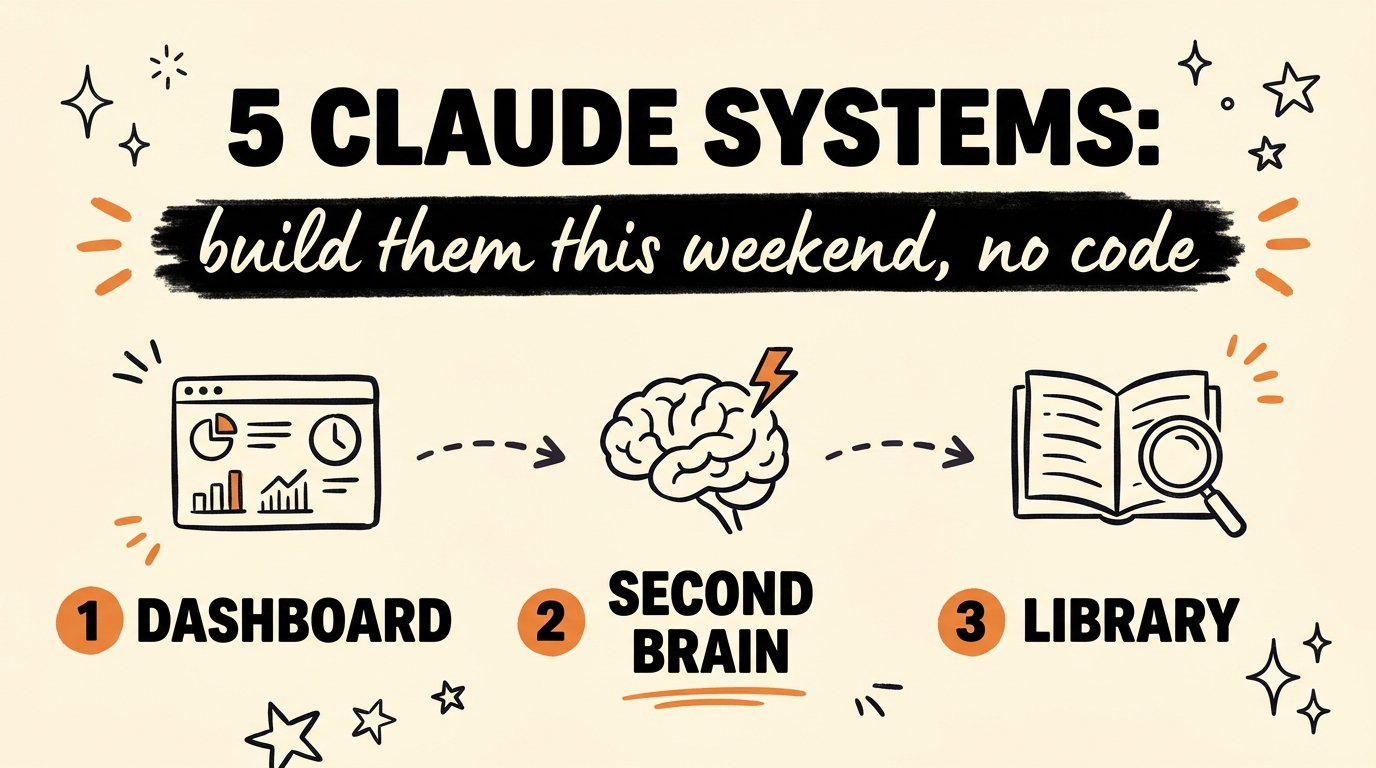
You can build five genuinely useful Claude AI systems in one free weekend without writing a single line of code: a life dashboard, a second brain, a review agent, a brand kit, and a knowledge library. Each one runs inside Claude using Projects, your own documents, and a handful of saved prompts. If you can create a folder and paste text, you can build all five.
Get the Free Guide
The guide walks through all five systems with the exact project instructions to paste, the prompts to run, and a fix table for when something breaks.
Get the free Weekend Claude Build Guide →
What Can You Build in Claude Without Writing Code?
Five systems cover most of what a solo business owner needs from AI: a morning briefing, a searchable document vault, an automatic weekly review, a writing assistant trained on your voice, and a queryable library of everything you have read or watched. Here is the full list from the video.
| System | What it does | What you feed it |
|---|---|---|
| Life dashboard | One screen pulls your calendar, inbox, and task list into a morning briefing before your first coffee | Calendar, email, task list |
| Second brain | Answers questions about your own paperwork, like when your insurance expires | Contracts, invoices, notes |
| Review agent | Checks in each night and hands you a clean summary every Sunday | Your daily notes and check-ins |
| Brand kit | Writes posts in your style once it knows your voice and values | Your best posts, voice notes, values |
| Knowledge library | Stores every book, podcast, and video you have finished in one place you can query | Book notes, podcast takeaways, video summaries |
None of these need code. They need structure: a dedicated Claude Project for each system, clear instructions, and the documents you already have sitting in folders and inboxes.
How Do You Set These Systems Up in Claude?
Every system follows the same four-step pattern inside Claude, Anthropic’s AI assistant. As of August 2026, Claude Projects let you group files and custom instructions in one workspace, so each system gets its own project.
- Create a Project in Claude and name it after the system, for example “Second Brain”.
- Paste instructions into the project’s custom instructions telling Claude its job, like “You answer questions about my business documents. Always quote the source file.”
- Upload your documents. Contracts and invoices for the second brain, your best posts for the brand kit, book notes for the knowledge library.
- Save your go-to prompts and reuse them. “Give me my morning briefing” or “What did I commit to this week?”
If you are brand new to Claude, start with the basics in the Claude 101 beginner’s guide, then come back and build your first system.
Which Claude System Should You Build First?
Start with the second brain, because it pays off on day one and needs nothing but a folder of documents. Drop in every contract, invoice, and note, then ask it real questions: when does my insurance expire, what did I agree to in that client contract, how much did I spend on software last quarter.
The life dashboard comes second. Once Claude can see your calendar and inbox, the morning briefing replaces twenty minutes of tab-hopping with one prompt. The brand kit matters most if you publish content regularly, and it pairs well with the systems in 5 Claude Code skills built for creators.
The review agent and knowledge library are habits more than builds. They only work if you feed them, so set a nightly check-in reminder and log books and podcasts as you finish them. For the exact instructions and prompts for all five, grab the free guide.
Can These Systems Run a Whole Business?
They cover a surprising amount of it. A dashboard for your day, a second brain for your paperwork, a review agent for your progress, a brand kit for your content, and a library for your learning is most of the back office a solopreneur runs by hand. I wrote about the bigger version of this in how to run your business solo with Claude, where the same thinking extends into automation with Claude Code.
The weekend version in this video is deliberately simpler. No terminal, no API keys, no code. You build the habit of putting your information where Claude can reach it, and the systems compound from there.
FAQ
Do I need Claude Code or any coding skills for this?
No. All five systems run inside the regular Claude app using Projects, uploaded files, and saved prompts. Claude Code is a separate tool for automation and development, and none of these builds require it.
How long does each system take to build?
Roughly an afternoon each, and the video frames all five as one free weekend of work. The second brain is the fastest because it is mostly uploading documents you already have.
What files should I put in the second brain?
Contracts, invoices, insurance policies, meeting notes, and anything you might need to look up later. The test is simple: if you have ever dug through email to find a date or a number, that document belongs in the project.
How does the brand kit learn my voice?
You feed it examples: your best-performing posts, notes on your values, and phrases you use often. With those in the project, Claude writes drafts in your style instead of generic AI copy.
Will Claude remember things between conversations?
Inside a Project, yes, in the sense that every conversation can see the project’s files and instructions. That is why each system gets its own project instead of one long chat that eventually loses the thread.
Start With One System This Weekend
Pick the system closest to a problem you have right now and build just that one. A second brain that answers “when does my insurance expire” in five seconds will convince you faster than any tutorial, and the other four follow the same pattern. When you are ready to go deeper into building AI systems for your business, Join the Vibe Coding Build →