
Claude vs Claude Cowork vs Claude Code: What's the Difference?
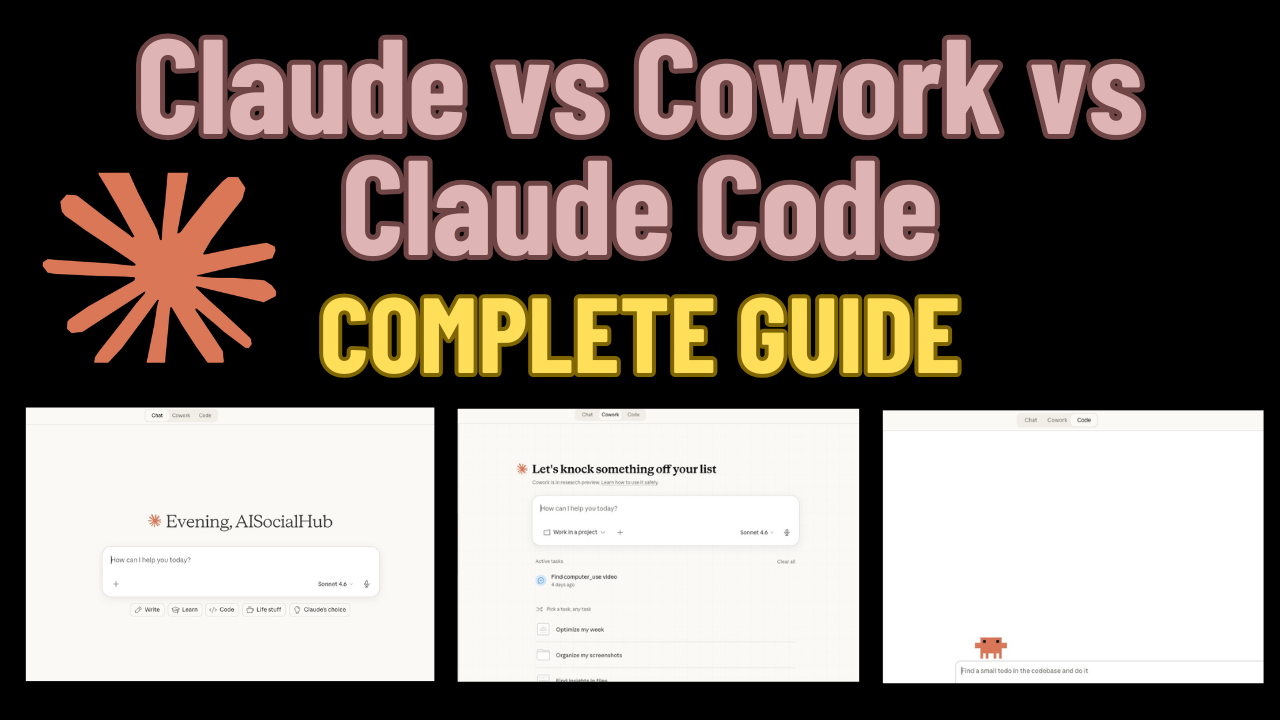
Most people discover Claude through the chat interface and think that’s all there is. It’s not. There are three distinct ways to use Claude — and each one unlocks a completely different level of power. Here’s exactly what each one does and which one you need.
Claude (claude.ai) — The Chat Interface
This is where most people start. You go to claude.ai, type a message, and Claude responds. Think of it like a very smart conversation partner.
Best for:
- Quick questions and research
- Drafting emails, captions, or documents
- Brainstorming ideas
- One-off tasks
The limitation: Every conversation starts fresh. Claude has no memory of your brand, your audience, or your previous work unless you paste it in every single time.
This is the free entry point — and it’s genuinely useful. But if you’re a creator or entrepreneur trying to build a repeatable content system, you’ll hit its ceiling fast.
Claude Cowork — Your Persistent AI Workspace
Claude Cowork isn’t a separate product. It’s a method of using Claude’s Projects feature (available on claude.ai) as a persistent branded workspace.
Here’s how it works: you create a Project, upload your brand files, and set a system prompt. Now every conversation inside that project automatically has context about your brand, audience, tone, and goals — without you having to paste anything.
Best for:
- Content creators who want Claude to always know their brand
- Marketers running the same workflows repeatedly
- Teams collaborating on content in one shared space
What makes it powerful: You add reusable skills — prompt files that define how to execute specific tasks like writing social posts, generating carousels, or creating ad briefs. Claude reads them and runs the workflow for you.
The limitation: It still runs in the browser. Claude Cowork can generate text and give you output, but it can’t write files to your computer, push to GitHub, or connect to external tools on its own.
Claude Code — The AI Agent That Actually Does Things
Claude Code is where everything changes. It’s a command-line tool (and IDE extension) that gives Claude the ability to:
- Read and write files on your computer
- Run code and terminal commands
- Connect to external tools via MCP servers (Airtable, Notion, Blotato, GitHub, and more)
- Run tasks autonomously in the background
- Use reusable skills to automate full workflows end-to-end
Best for:
- Automating your entire content pipeline
- Publishing blog posts directly to GitHub Pages
- Syncing content to Airtable or Notion
- Scheduling social posts via Blotato
- Building AI agent systems that run themselves
Works inside: Claude Code runs in your terminal, VS Code, JetBrains IDEs, and Antigravity IDE — which is purpose-built for running Claude Code agent skills.
This is the tool that turns Claude from a chat assistant into an actual AI system.
Which One Do You Actually Need?
| Claude.ai | Claude Cowork | Claude Code | |
|---|---|---|---|
| Chat interface | ✅ | ✅ | ✅ |
| Remembers your brand | ❌ | ✅ | ✅ (via CLAUDE.md) |
| Writes files to your computer | ❌ | ❌ | ✅ |
| Connects to external tools | ❌ | Limited | ✅ (MCP servers) |
| Runs automated workflows | ❌ | Partial | ✅ |
| Publishes to GitHub/WordPress | ❌ | ❌ | ✅ |
| Free to start | ✅ | ✅ | ✅ |
How They Work Together
The real power is using all three in sequence:
- Claude.ai — quick research and ideation
- Claude Cowork — build and refine your prompts and skills inside a branded project
- Claude Code — run those same skills as automated pipelines that write, publish, and distribute your content
Most creators start at step 1 and never discover steps 2 and 3. That’s the gap this blog exists to close.
Start Here
If you’re ready to go beyond the chat interface, the fastest way to get started is installing your first Claude Code skill. I’ve built a free Vibe Coding Agent Skill Library with ready-to-install skills for content creators — including the exact skills used to build this content system.
Grab the free library and start building your first AI agent today.