
Claude Cowork Plugins: The Complete Setup Guide
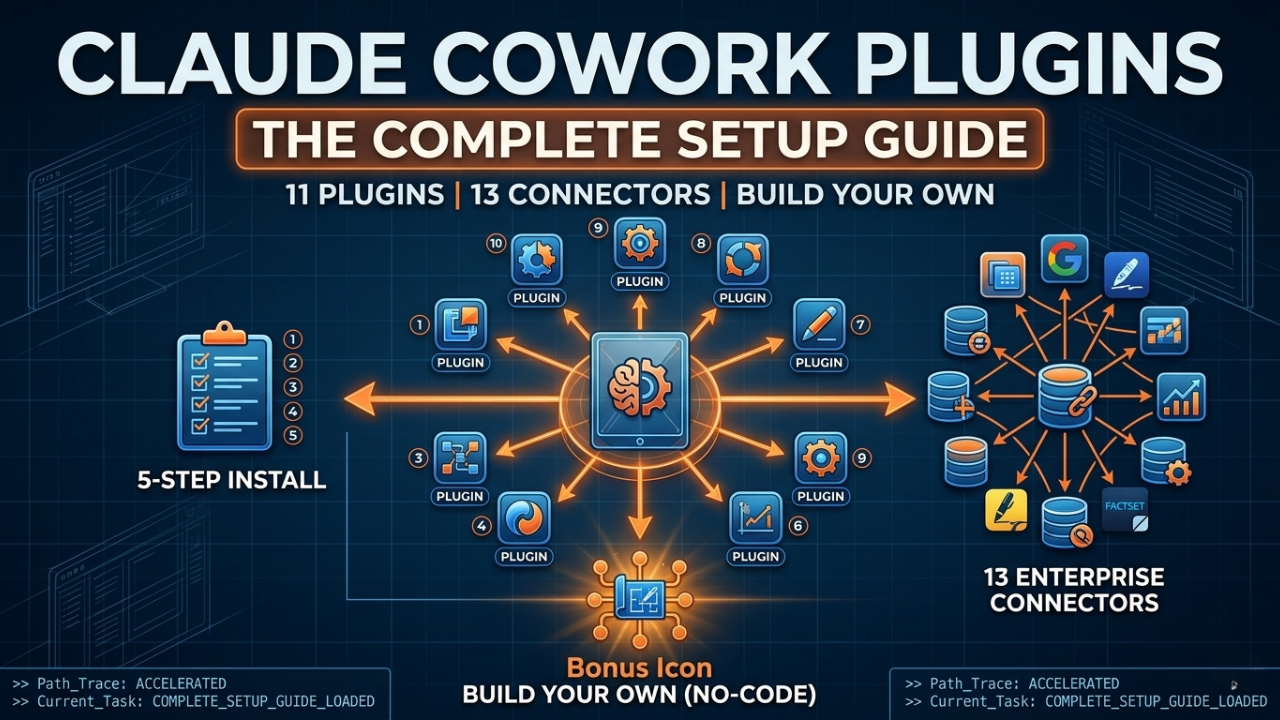
Most people using Claude Cowork don’t know plugins exist. The ones who do are running circles around everyone else — with specialized AI workflows for sales, marketing, legal, finance, and more, all inside the Claude Desktop app. No coding required.
Here’s the complete guide to installing, using, and even building your own.
What Are Claude Cowork Plugins?
Plugins are text-based instruction files that extend Claude Cowork with specialized workflows for your role. They’re just markdown files that tell Claude how to behave in a specific domain — no code, no setup beyond a single click.
Anthropic open-sourced 11 ready-to-use plugins on GitHub, and you can install them directly inside the Claude Desktop app. They’re free — the only cost is your Claude plan (available on Pro, Max, Team, and Enterprise).
How to Install a Plugin in 5 Steps
Getting your first plugin running takes under two minutes:
- Open the Claude Desktop app
- Switch to the Cowork tab (top navigation)
- Click Customize in the left sidebar
- Click Browse Plugins to open the catalog
- Click Install on any plugin — it’s live immediately
That’s it. No terminal, no config files, no API keys.
The 11 Official Open-Source Plugins
Anthropic released 11 domain-specific plugins covering the most common knowledge work roles. All are available at github.com/anthropics/knowledge-work-plugins.
| Plugin | What It Does |
|---|---|
| Productivity | Task management, workplace memory, visual dashboard |
| Sales | Prospect research, deal prep, pipeline review |
| Marketing | Content drafting, campaign planning, brand voice |
| Finance | Financial modeling, journal entries, key metrics |
| Legal | Contract review, NDA triage, compliance workflows |
| Data Analysis | SQL queries, data exploration, dashboards |
| Operations | Vendor management, process docs, capacity planning |
| Customer Support | Ticket triage, response drafting |
| Product Management | Specs, roadmaps, user research |
| Enterprise Search | Cross-tool search across company systems |
| Life Sciences Research | Genomics analysis, literature search |
Start with Productivity first — it gives you task management and a visual dashboard right away.
Connect Your Existing Tools
Plugins can connect Claude to your existing tools via MCP connectors — pre-built integrations you authorize once, then Claude can read, search, and act inside them during your Cowork sessions.
- Google Workspace — Drive, Gmail, Google Calendar
- Sales & CRM — Apollo, Clay, Outreach
- Finance & Research — FactSet, MSCI, SimilarWeb
- Legal — LegalZoom, Harvey
- Other — DocuSign, WordPress
Build Your Own Plugin (No Code)
Claude Cowork has a built-in Plugin Create tool that lets you build a custom plugin from scratch. Describe the workflow you want, and it asks you questions about your tools, standards, and processes — then generates the plugin file for you.
To customize any existing plugin, just edit its markdown file and add your company terminology, tools, and processes. That’s all a plugin is under the hood.
What’s Next
Plugins are just the start. Once you have these running, you can chain Claude Cowork and Claude Code together into full automation systems — content pipelines, agent workflows, marketing engines.
That’s exactly what we build inside Vibe Coding Mastery.