
How to Build a Claude Code CMS Dashboard for Client Websites
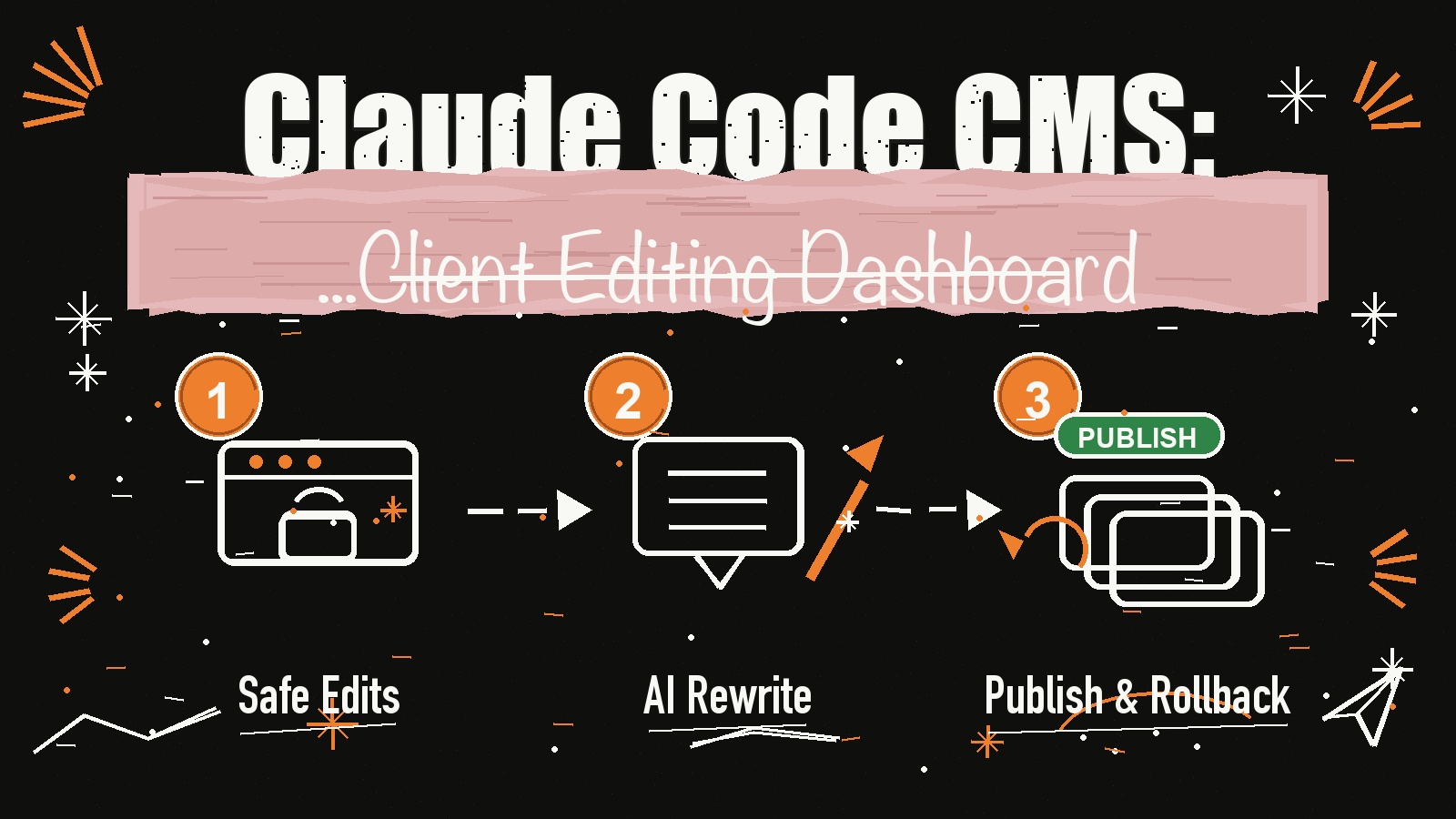
A Claude Code CMS is the missing handoff layer for AI-built websites. Claude can build the site, but if your client still needs you every time they want to change a headline, price, testimonial, or SEO title, you did not really hand off the project.
In this post, I’ll show you how the CMS dashboard from the video works, what Claude suggested after reverse-engineering the app idea, and how to think about turning a one-time website build into a safer recurring revenue offer.
Get the Free CMS Playbook
Want the practical build checklist, data model, safety rules, and Claude Code prompt for creating the CMS dashboard? I put it into a free PDF you can keep open while you build.
Get the free Claude Code CMS Dashboard Playbook ->
Why Most AI-Built Websites Still Break at Handoff
The problem is not that Claude Code cannot build a good website. The problem starts after the website is live.
Your client wants to update a line of copy. Then they need to change a price. Then they want to swap a photo, add a testimonial, tweak a landing page, or edit the SEO description. If every tiny change comes back to you, you become the permanent website operator.
That is fine if you are charging for support, but it is not fine if the original promise was a clean handoff. Giving clients your developer login is risky. Letting them touch raw code is even riskier. And rebuilding pages manually every time they need a small update is not a scalable agency system.
A Claude Code CMS fixes that by putting a safe editing dashboard on top of the website. The client can manage content, but they cannot destroy the design or the core code.
What a Claude Code CMS Should Include
The CMS from the Short is not a full developer console. That is the point. Version one should focus on the edits clients actually need.
At minimum, the dashboard should include a page editor for headlines, copy, buttons, images, testimonials, and simple sections. It should also include an SEO panel for page titles, meta descriptions, target keywords, and basic optimization checks.
For client work, multi-page management matters too. The owner should be able to edit the homepage, pricing page, about page, blog posts, and landing pages from one private dashboard. Before publishing, they should be able to preview the change on desktop, tablet, and mobile.
The AI layer is where this gets powerful. Instead of asking the client to write perfect copy, the dashboard can let them select a section and ask AI to rewrite it, shorten it, make it clearer, or optimize it for a keyword. That gives them creative control without asking them to learn prompt engineering.
The safety layer is non-negotiable: save drafts, validate changes, publish only when ready, and create a version snapshot every time something goes live.
The Simple Architecture Claude Suggested
Think of the system as two connected products: the public website and the private CMS dashboard.
The public website stays clean and fast on Vercel. The code stays in GitHub. The CMS dashboard is a private admin area where the client edits structured content. MongoDB Atlas stores the page content, site settings, SEO fields, draft status, and version history.
For the AI editing feature, the dashboard can connect to OpenRouter or another AI API. The user selects a section, asks for a rewrite, and the CMS saves the improved version as content data instead of editing the raw app code.
The basic stack looks like this:
- Claude Code to build the website and CMS logic
- Next.js or React for the dashboard
- MongoDB Atlas for content, pages, settings, and snapshots
- Vercel for deployment
- GitHub for the private repo
- OpenRouter or another AI API for assisted rewriting
- Login/password access so each client only sees their own site
This keeps the client in a safe editor and keeps you in control of the real infrastructure.
Build It in Phases
Do not start by building a giant all-in-one CMS. Start with the smallest useful handoff system.
Phase one is the website itself. Build the client site with Claude Code, deploy it to Vercel, and make sure the layout is responsive before adding the dashboard.
Phase two is deciding what can be edited. Mark safe fields like headlines, body copy, pricing, buttons, images, testimonials, SEO title, meta description, and page status. Do not expose raw layout logic in version one.
Phase three is the dashboard. Create a private admin area that lists all client websites, pages, and editable sections. Add save draft, preview, publish, and rollback actions.
Phase four is the data model. Store each site, page, section, and version as structured records. A page record can include siteId, slug, title, seoTitle, metaDescription, sections, status, and timestamps. A version record should store the page snapshot, publish date, publisher, and notes.
Phase five is AI editing. Add a controlled rewrite tool that only changes approved fields. The client can improve the copy, but the app still validates the output before publishing.
For the full checklist and copy-paste prompt, grab the free CMS playbook.
How This Becomes a Better Client Offer
This is where the business model changes.
Instead of selling “I built you a website,” you can sell “I built you an editable AI-powered website system.” The client gets a live website, a private editor, AI-assisted copy updates, SEO controls, mobile preview, and a safer publishing flow.
That is easier to charge for because it solves the real post-launch problem: the client does not want to message you for every small update, but they also do not want to break the website.
You can package this as setup plus monthly hosting, support, backups, content updates, or analytics. The CMS gives you a reason to keep the relationship active without becoming the person manually swapping text at 9 PM.
If you want another example of turning Claude Code into a productized build workflow, read How to Clone a $1M App Store App Using Claude Code.
Final Takeaway
A Claude Code CMS is not just a website editor. It is the layer that makes AI-built websites usable for real clients after launch.
Start simple: editable text, images, SEO, pages, previews, publishing, login access, and rollback. Add AI rewriting once the safe editing flow works. Then turn the system into a repeatable offer you can use across client builds.
Ready to go deeper? Join Vibe Coding Mastery and learn how to build agentic AI systems like this from idea to deployed product.